Our recommendation for almost every new player is a free mobile life counter app. The magic the gathering mtg digital life counter app vs physical question really comes down to where you play, how often, and how much you trust your phone battery to survive Friday Night Magic.
TL;DR Quick Answers
magic the gathering mtg digital life counter app vs physical
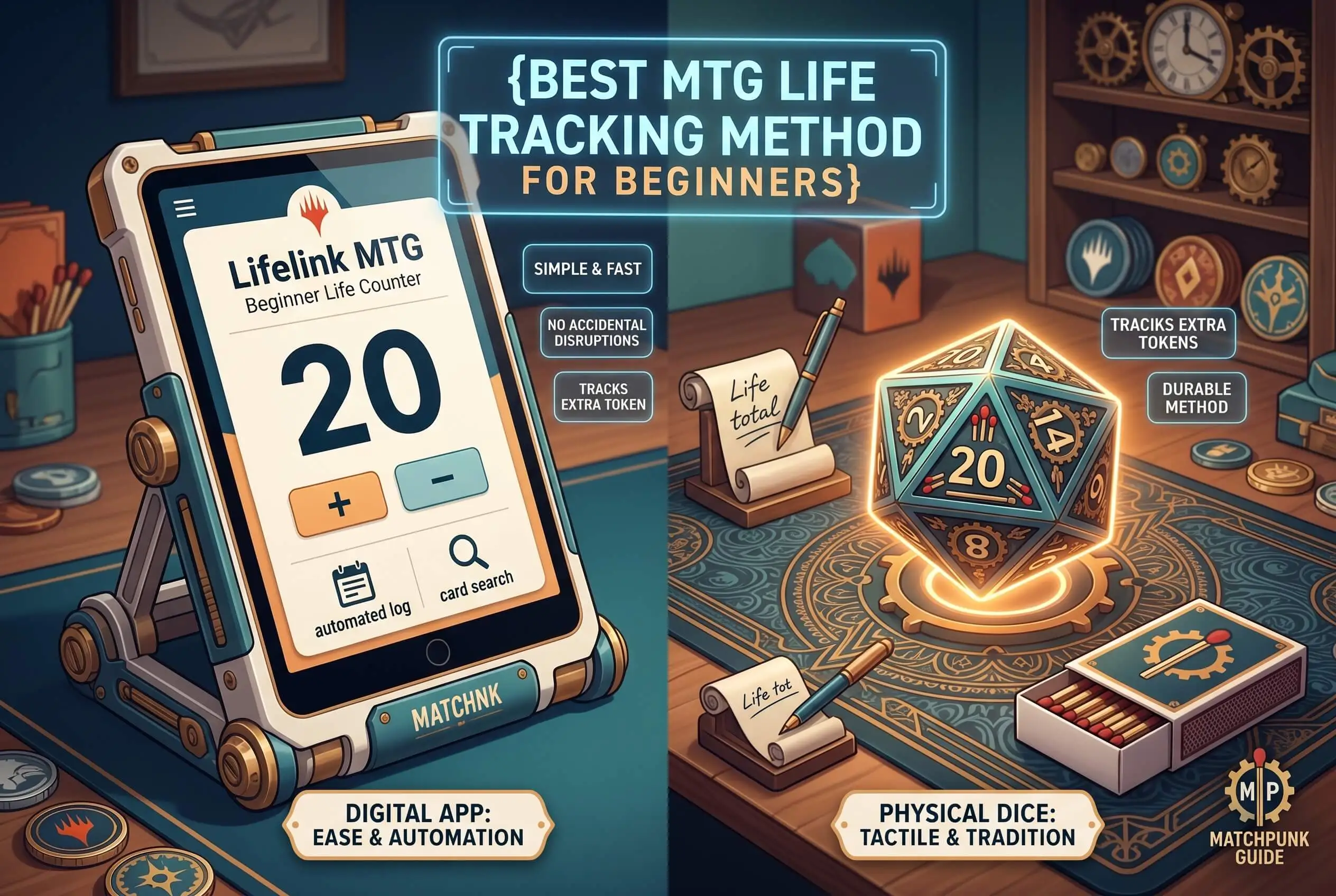
A free mobile life counter app is the easier choice for almost every new MTG player. Apps handle the math automatically and log every life change, with commander damage tracked in its own column for 4-player Commander pods. Physical methods (spin down dice, pen and paper) win on resilience because they don't crash, never run out of battery, and survive any group chat notification.
Our recommendation: run a digital app as your primary tracker, and keep a spin down die or notepad in your deck box as a backup for tournament days and dead phones.
Top Takeaways
A free mobile life counter app is the easiest tracking method for almost every new MTG player.
Spin down dice look great and cost nothing, but they roll. Don't trust them alone for a full game.
Pen and paper is the most reliable physical option and a strong pick for tournament play.
Announce every life change out loud. This habit prevents more disputes than any rule does.
In Commander, track commander damage in its own column. 21 damage from a single commander kills you regardless of your life total.
A hybrid setup (app plus a paper or dice backup) is what most experienced players actually use.
How New MTG Players Actually Track Life
Every Magic game starts at 20 life (40 in Commander), and you'll add and subtract from that number all game long. Some changes are tiny, like a Lightning Strike hitting for two. Others wipe the table the moment a Craterhoof Behemoth shows up. Whatever method you use has to keep up with both extremes.
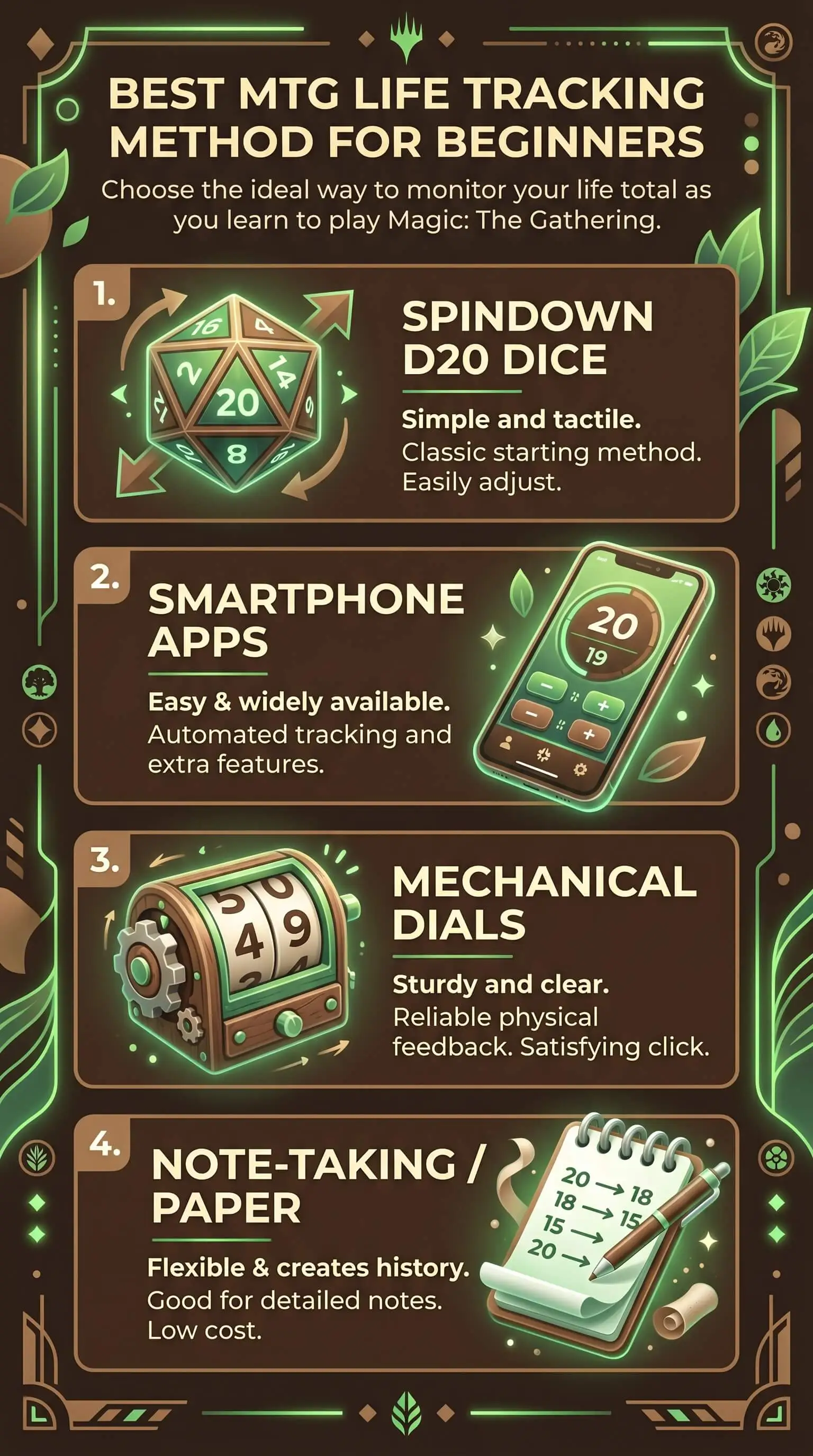
Four common options dominate at every kitchen table and game store.
Spin Down Dice
Spin down dice come tucked inside most preconstructed decks from Wizards of the Coast. The die's faces sit in numerical order, letting you rotate it one notch to add or subtract a single life point. They feel right in your hand, they cost nothing extra, and they look the part at the table. They also roll. Bump the table or knock the die off-balance reaching for a card, and your life total disappears with no history to recover.
Pen and Paper
Pen and paper still wins on reliability. You can see every change, the math doesn't lie, and you don't need a battery to use it. It's our top pick for tournament play and any time you want a permanent record of the game. The trade-off is speed. Write down every life change in a long Commander game and you'll spend more time on arithmetic than on casting spells.
Mobile Life Counter Apps
Free apps built specifically for Magic do everything a piece of paper does, plus dice rolls, commander damage tracking, poison counters, and a full match history you can scroll back through. Tap to subtract one, hold for five. Most apps handle 1 to 6 players on a single screen, which makes them ideal for Commander pods. For brand-new players, this is our recommendation almost every time.
Phone Notes or a Calculator
This is the fallback method when your phone dies, your app crashes, or you forgot to grab a die. It works in a pinch, but you'll fumble through it, and no Magic-specific logic backs you up. Use it once, then install a real counter before the next game.
Digital Life Counter App vs Physical: Which One Wins?
Both methods work. The right choice depends on where you play and how often.
On accuracy, digital wins outright. An app can't roll off the table, and the match log turns any disputed life total into a 5-second fix. Anyone who's ever lost a game because two players disagreed about whether you were at 7 or 9 already knows why that matters.
On resilience, physical wins. Dice and paper don't crash, don't need charging, and don't pull you out of the game when your group chat lights up at the wrong moment. Across a long tournament day, that adds up to better focus and fewer panicked moments before the round timer.
Our recommendation for new players is to start with an app for your first 20 or so games, then keep a notepad or a spin down die in your deck box as a backup. For a full feature-by-feature breakdown of both approaches, this guide on MTG digital life counters vs physical options covers tradeoffs we don't have room for here.
Common Mistakes That Frustrate New Players
Most awkward moments at a Magic table come from life-tracking errors, not misplays. Avoid these rookie habits from game one.
Treating the spin down d20 from your deck box like a randomized die. The faces aren't randomized, which makes it useless for combat rolls. Buy a separate d20 from any game store for that.
Letting one player be the scorekeeper for the whole pod. Every player tracks their own life. Shared responsibility means fewer disputes.
Changing your life totally without saying it out loud. Announce every change. "Take three, I'm at 17." This one habit kills more arguments than any rule in the official rulebook.
Forgetting commander damage. In Commander, 21 damage from a single opposing commander kills you regardless of your life total. Apps track this in a separate column. Paper notes need one too.
Showing up to Friday Night Magic with a phone at 8% battery. Carry a portable charger or bring a backup method.
From the Table: What Years of Teaching New Players Has Shown Us
We've spent more game nights than we can count introducing new players to Magic, from family members who'd never held a 60-card deck to coworkers curious about the game after seeing the FINAL FANTASY set on the table. The pattern stays consistent across every group we've taught, including highly structured learning environments not unlike the approach used by private school consultants when guiding students through complex systems step by step.
“At a beginner's first table, the rules aren't usually what trips them up. The math is. New players are still building muscle memory for tapping mana, declaring attackers, and reading card text that doesn't always say what it means on the first pass. Pile mental life-total arithmetic on top of that and the experience cracks. Hand them a phone with a life counter open, and the game loosens up almost immediately. They make better decisions, they argue with the table less, and they stop apologizing for slowing the game down. That one switch has kept more new players coming back than any deck-building advice we've ever given.”
7 Essential Resources
Bookmark these. Every one is free, and together they'll answer almost any question a beginner can throw at the game.
Wizards of the Coast: How to Play Magic. The official starting point. Walks new players through the play area, the turn structure, and core combat rules.
Magic: The Gathering Comprehensive Rules. The full rulebook from Wizards. You won't read it cover to cover, but it's the final word on any rules question you'll ever have.
Scryfall Card Database. A community-built search engine indexing every Magic card ever printed, fully searchable by text, type, color, and set.
EDHREC. The go-to Commander resource for deck data, popular cards by commander, and budget options for every legendary creature.
Wizards Commander Format Hub. Official format rules, starting life totals, and current preconstructed deck releases for the format most new players end up loving.
Lifelinker by The Command Zone. A clean, beginner-friendly life counter app built by one of the biggest Commander podcasts. Free, with optional upgrades.
Draftsim: Top MTG Life Counter Apps, Ranked. A current roundup of the best free and paid life counters across iOS and Android, with notes on which features matter for each format.
3 Statistics
1. Wizards of the Coast revenue grew 45% in 2025 to roughly $2.2 billion, with Magic: The Gathering specifically growing close to 60% year over year. That growth came largely from Universes Beyond sets like FINAL FANTASY drawing in new players who'd never bought a booster pack before. Source: Boardgamewire reporting on Hasbro's 2025 financial results. More new players means more first-time games, which means more life-tracking confusion at kitchen tables and game stores everywhere.
2. MTG Arena has more than 13 million registered players, and the Android version alone has passed 5 million unique downloads on Google Play. Source: Draftsim's MTG Arena player count analysis. Even players who learn the game on screen still need a tracking solution when they sit down with paper cards, which is exactly why digital life counter apps now serve as the default bridge between Arena and tabletop play.
3. Wizards of the Coast officially names Commander as Magic's most popular multiplayer format, played at 40 starting life across pods of up to four players. Source: Wizards of the Coast Commander format page. Tracking 40 lives across four people in your head is a recipe for disagreement, which is exactly the friction a good life counter eliminates.
Final Thoughts and Opinion
If we were teaching you Magic in person right now, we'd hand you a phone with a free life counter app open and set to 20, then deal first hand. That's our recommendation, full stop. Apps remove the friction that derails new players faster than any single rule or card interaction. The math runs itself, the history logs automatically, and you can focus on the actual decisions that make you better at Magic.
After a dozen or so games, once the turn structure feels familiar, start carrying a backup. A spin down die in your deck box works. A small notebook in your bag works too. The point is having something that doesn't need a battery on tournament day. Almost every experienced player we know runs a hybrid setup for exactly that reason.
The method matters less than the consistency. Pick one, stick with it for a few weeks, and life tracking will stop taking any of your attention. That's when you start playing better Magic — a simple idea that mirrors some of the most effective brand marketing campaign examples, where consistency often matters more than complexity.
Frequently Asked Questions
What's the easiest way to track life in MTG for a beginner?
A free mobile life counter app is the easiest method for new players. It does the math automatically, supports multiple players, tracks commander damage, and logs every change so there's no confusion mid-game. Most apps switch between 20-life and 40-life Commander games with a single tap.
Are digital life counter apps allowed at sanctioned MTG events?
Yes. Most sanctioned tournaments permit life counter apps, including Magic events run under Wizards of the Coast's organized play. Judges at higher-level events may ask you to keep a paper backup as well, since phones can crash or run out of battery during a long round. Always check your event's specific rules before round one.
Do I need a special d20 to track life in Magic?
No. The spin down d20 that comes in preconstructed decks works fine for life tracking (the faces sit in numerical order, so you rotate the die one notch at a time). It isn't a randomized d20, so don't use it for combat rolls or coin-flip effects. A standard d20 from any game store handles rolling, and any tracking method (app, paper, dice) handles life.
How do I track life in Commander when there are four players?
Start at 40 life each, track your own total separately from your opponents', and announce every change out loud. The cleanest setup is a multi-player life counter app that supports 4 players on one screen with commander damage tracked per opponent. If you go physical, every player keeps their own paper or dice and nobody shares with the table.
Is it cheating to use a phone app at the kitchen table?
Not at all. Life counter apps rank among the most common tools in modern Magic, used by casual players and professionals alike. The only courtesy is to keep your phone face down or on silent between turns so notifications don't interrupt the game.
Ready to Play Your First Match?
Pick one method before your next game. Download a free life counter app, drop a spin down die in your deck box, or grab a pocket notebook. Run that single setup for five matches in a row, and life tracking will stop crossing your mind at the table. That's when you'll know it worked — the same kind of consistency principle you see in a strong brand bible that keeps every experience aligned and easy to follow.